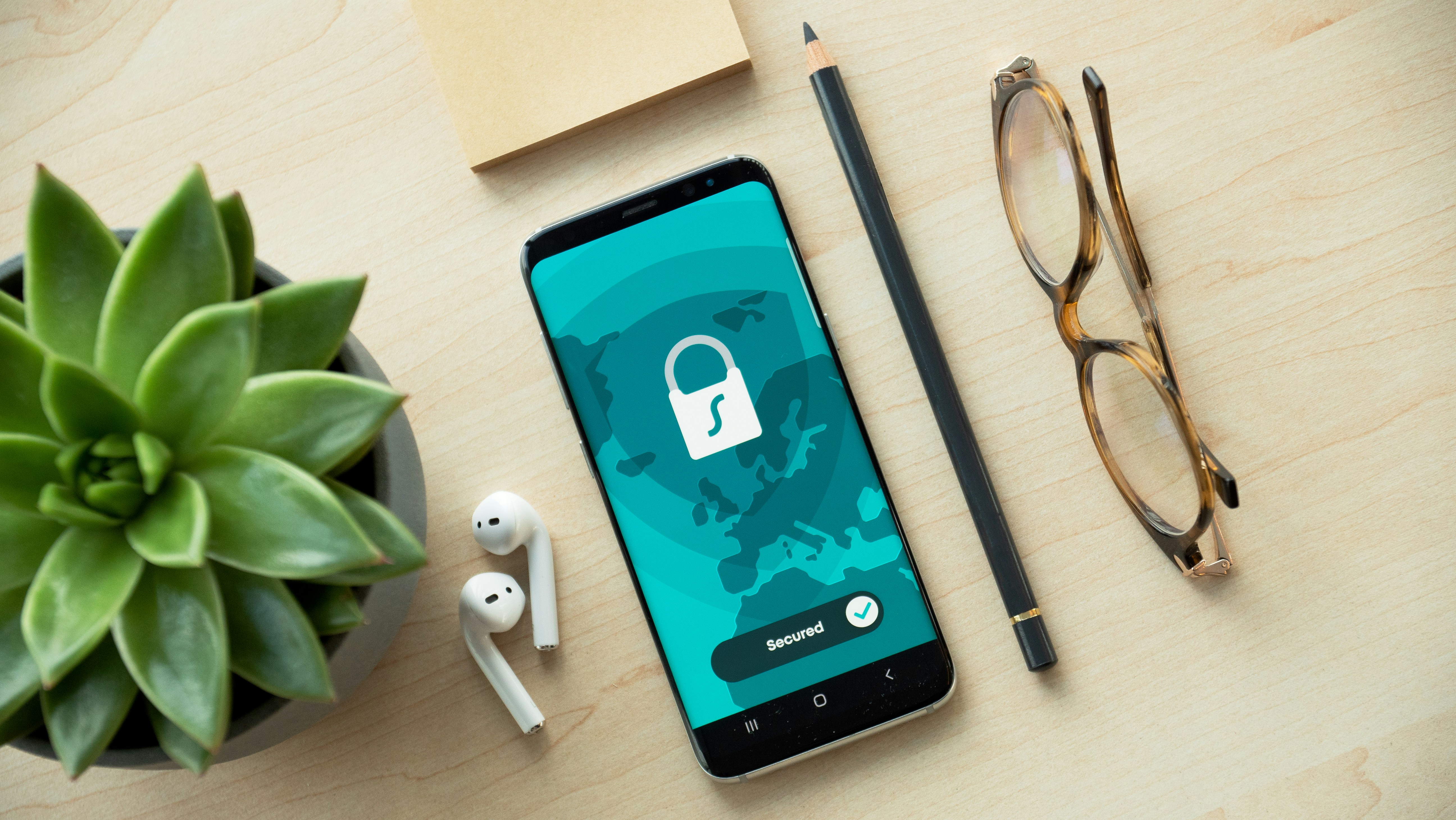
You open an app to track who bought the wine. It tracks a bit more than that.
Most bill-splitting apps are free. That's the part worth thinking about.
What bill-splitting apps actually collect
Every time you log an expense, you're sharing more than a number. Many apps collect:
- Names and contact details of everyone in your group
- Spending patterns - how much, how often, in which categories
- Your social graph - who you travel with, who you live with, who you share meals with
- Device identifiers and, in some cases, exact location data
For a free app, this data can be the business model. Advertising networks pay for behavioural profiles. A person who regularly splits restaurant bills and group holidays is a valuable target for credit cards, travel insurance, and financial products.

Ad trackers
In order to run ads, apps need the so-called "trackers": tools that track the behavior of the user in order to create their profile and be able to target them better with ads.
Facebook trackers are documented to capture unrelated behavior information for audience matching, for example their flight searches.
Permissions
Some apps request access to data and device features that are not necessary for their core function. For example, a bill-splitting app has no business accessing your microphone, camera, or precise location.
Permissions are declared upfront in the app stores, but the detail is in independent audits. Exodus Privacy analyses Android APKs and publishes reports on trackers and permissions for any app. It's worth checking before you install.
How your data is stored
Trackers and permissions are the visible layer. Underneath, there's a quieter question: once your data reaches the server, how is it handled?
Encryption in transit means that data sent between your phone and the app's servers can't be intercepted on the way. This is table stakes — any app that doesn't use HTTPS in 2026 shouldn't be on your phone at all.
Encryption at rest is less commonly discussed. It means the data stored on the server is encrypted, so that even a database breach doesn't immediately expose your information in readable form. Many apps don't mention this at all in their privacy documentation.
Data minimisation is a principle from GDPR: collect only what you actually need. In practice, few apps apply it rigorously. Every extra field stored is an extra field that can be leaked, sold, or subpoenaed.
Retention periods matter too. "We don't sell your data" is not the same as "we delete it when you leave." Many apps retain usage data, device identifiers, and behavioural logs indefinitely — even after you delete your account. A privacy policy that doesn't specify retention periods is telling you something by omission.
The questions to ask: Is data encrypted at rest? What is the explicit retention period? What happens to your data when you delete your account?
A note on Settlify
Settlify's approach is simple: a bill-splitting app is a utility. It should do one job and go away quietly.
That means no ad trackers, no unnecessary permissions, no behavioural profiling. The app collects what it needs to split expenses and nothing else. You can read exactly what that is — in plain language — in the Privacy Policy.
What to look for
When choosing a bill-splitting app and any app, four questions matter:
- Does it run ads? If yes, your behaviour is being profiled for advertising networks.
- Is it owned by a bank or financial institution? If yes, your spending patterns are bank data - and that institution has its own financial interests.
- What does it actually store and how? Look for plain, specific statements - not marketing copy - about what data is retained and why.
- What permissions does it request? Check the information in Play and App Stores. A bill-splitting app has no business accessing your microphone, camera, or precise location. Tools like Exodus Privacy let you check any Android app you have installed already.
No app is perfectly private. But there is a meaningful difference between an app that tracks your behaviour to sell ads or requires excessive permissions, and one that charges you transparently upfront.
If you want to see the full side-by-side — trackers, permissions, and data practices — read how Settlify compares to SettleUp and Tricount.
